Register Apple Developer Account from Abroad (2026 Guide)
Struggling with Apple Developer registration? Step-by-step guide for non-residents to open an account successfully in 2026 without bans.

Struggling with Apple Developer registration? Step-by-step guide for non-residents to open an account successfully in 2026 without bans.
Developing apps within the Apple ecosystem offers a major opportunity for developers aiming to enter the global market. However, developers in Turkey often face challenges when creating an Apple Developer account due to payment restrictions, country limitations, or verification processes. The solution lies in registering for Apple Developer from abroad.
In this guide, we’ll go through every detail of creating an individual or organizational Apple Developer account abroad — including the required documents, payment process, and compliance points to be aware of.
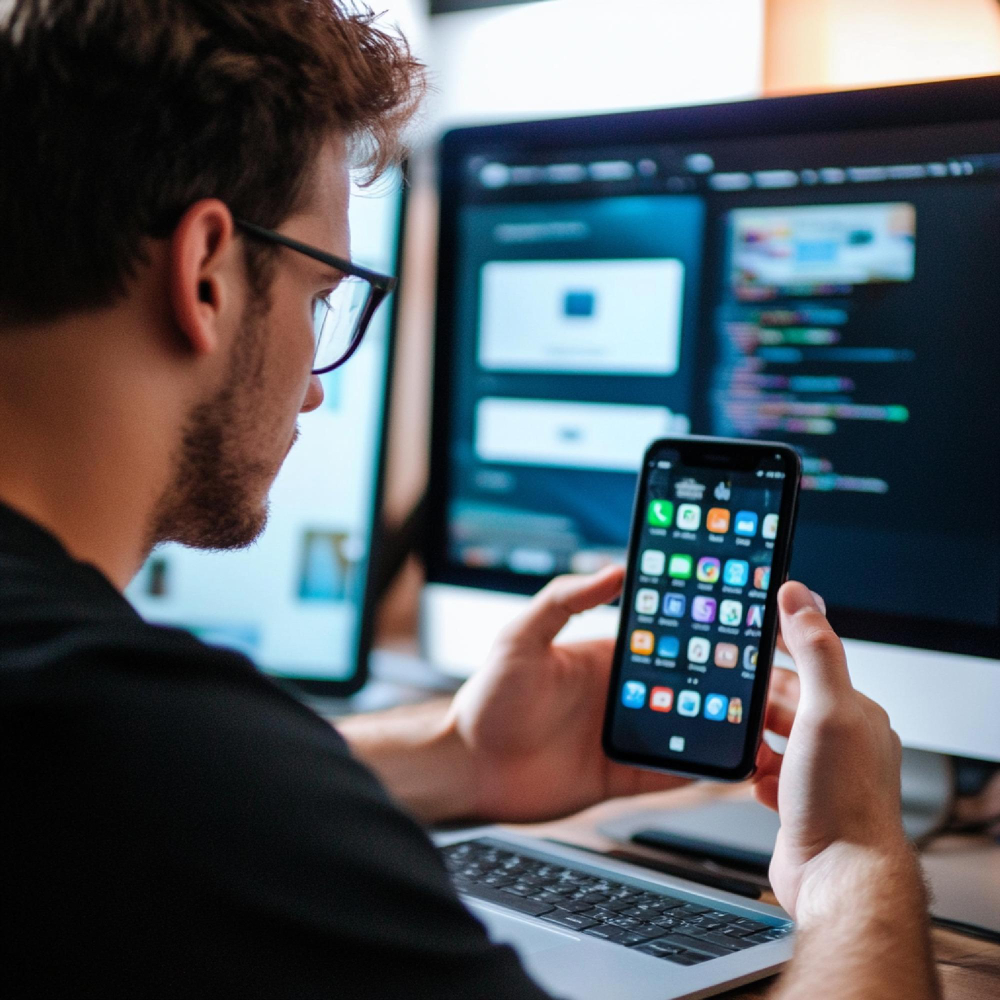
Apple Developer is Apple’s official developer program designed for individuals and companies who want to create applications for iOS, macOS, iPadOS, watchOS, and tvOS platforms.
By joining this program, you gain the right to publish apps on the App Store, test beta versions, and access professional tools like TestFlight and App Store Connect. You also benefit from advanced features such as in-app purchases, push notifications, and certificate management.
Apple Developer membership is more than a registration — it’s an official step toward being recognized as a professional developer and building a global presence.
Some payment restrictions, currency regulations, and banking approval processes in Turkey can make Apple Developer registration difficult. For instance, certain Turkish bank cards are often declined in international systems.
Registering from abroad is an effective way to overcome these technical and financial barriers. Its main advantages include:
The ability to use international payment methods
Your account appears as US, UK, or EU-based, simplifying tax and legal procedures
Faster verification when using foreign addresses
Transactions in USD or EUR on App Store Connect
This approach provides greater flexibility for both payments and managing app revenue.
Apple Developer offers two account types: Individual and Organization.
Individual accounts are suitable for independent developers. They require only an Apple ID and no company documents, and apps are published under the developer’s name.
Organization accounts are for registered companies. They require a D-U-N-S number (a global business identifier), trade registration documents, tax records, and address verification.
Organizational accounts display the company name on the App Store, while individual accounts are faster and simpler to approve. Most developers start with an individual account.
To register successfully, you’ll need the following:
An Apple ID (linked to a personal or professional email)
A foreign address or mailing service address
A valid international payment method (Wise, Revolut, Payoneer, or a foreign bank card)
A passport or government ID
Two-factor authentication (2FA) enabled on your Apple account
Apple may request ID verification via passport photo or phone confirmation, so make sure all information is accurate and up-to-date before registering.
If you don’t already have one, create a new Apple ID at appleid.apple.com. Choose United States, United Kingdom, or a European country as your region. You can use a virtual office or mail forwarding service for the address section.
Go to developer.apple.com/programs and click Enroll. Log in with your Apple ID to start the registration process.
Select Individual or Organization. For individual accounts, your personal ID will suffice. For organizations, you’ll need your D-U-N-S number.
Enter your country, address, date of birth, and phone number. Use a valid foreign address and an active phone number for verification. Services like Google Voice or TextNow can help with phone validation.
As of 2025, the annual Apple Developer fee is USD 99. Apple accepts only internationally valid payment cards. You can use a virtual card from Wise, Revolut, or Payoneer to complete the payment.
After payment, Apple typically sends a verification email within 24 hours. If identity verification is requested, upload your passport or ID. Once approved, your App Store Connect account becomes active.
Since Apple may reject some Turkish bank cards, most developers prefer international virtual cards. Wise, Revolut, and Payoneer cards work seamlessly with Apple systems. The card’s billing address must match the country selected during registration, or the payment may fail.
This method allows you to pay the Apple Developer fee without encountering Turkey’s currency restrictions.
It’s crucial to enter your tax information correctly. Apple requires all developers to submit either the W-8BEN (for individuals) or W-8BEN-E (for organizations) form for annual income tax reporting.
For individual accounts, choose Turkey as your tax residence and enter your Turkish ID number. This ensures Apple applies the correct tax withholding and keeps your account legally compliant.
Once your account is active, you can log in to App Store Connect, where you can:
Upload apps
Manage TestFlight beta versions
Edit app descriptions and pricing
Handle certificates and provisioning profiles
For international accounts, payouts are typically made in USD, providing a financial advantage for global transactions.
The most common issues include payment rejections, identity verification errors, and activation delays.
If payment fails, try another virtual card or confirm bank approval.
If ID verification fails, ensure your photo is clear, complete, and in color.
If approval takes more than 48 hours, contact Apple Support.
Most problems occur due to country mismatches or invalid addresses.
Using a foreign address during Apple Developer registration is not illegal. Apple only requires a verifiable address. However, if you earn income through the App Store, you must declare your earnings in Turkey. Even if your account is based abroad, once the income is transferred to Turkey, it becomes taxable locally.
Professional developers should also consider double taxation treaties during accounting to avoid paying taxes twice.
Use a corporate email address for registration.
Enable two-factor authentication for security.
Read Apple’s agreements carefully — country selection is difficult to change later.
Communicate in English during app reviews to speed up responses.
These small details increase your account’s credibility and minimize verification issues.
As of 2025, Apple is making its developer policies more accessible globally. Following the EU Digital Services Act (DSA) and new U.S. tax regulations, the Apple Developer ecosystem is becoming more transparent.
Accounts opened from abroad now integrate better with financial services, giving developers more control over App Store earnings.
Registering for Apple Developer from abroad is not just a workaround for Turkish developers — it’s a strategic gateway to the global market.
With the right payment method, verified address, and careful attention to details, you can complete the process easily and become a recognized international developer on the App Store.
in MarcaBien?

Free lawyer check within 24 hours

Registration, litigation support and trademark monitoring

Simple online and online 3-step process


Global branding services and support

Registration, litigation support and trademark monitoring
Your brand is safe with us with 95% success rate
Process Work

In order for a trademark to be registered, it must meet the distinctiveness criterion. Results and advice within 24 hours.

After completing the order, we will draft an application. Once approved, we will file it on your behalf, providing legal representation.

The application is evaluated by the relevant Intellectual Property Office (IPO), published and approved for possible objections.

After a successful registration, your trademark is valid from the date of application and retains the right of priority throughout the process.
Contact Us

Secure and register your brand!